Wedding Shoot

The main purpose of the application is to help wedding photographers to instantly have everything in one place for posing reminders, ideas and inspiration during wedding photography.

Practical and easy to use, it enables better organization, faster work and greater creativity in the field.

Whether you're working alone or in a team, the app helps you keep your focus on what's most important – photography.

Free version

Paid version

Main features of the application

Home page

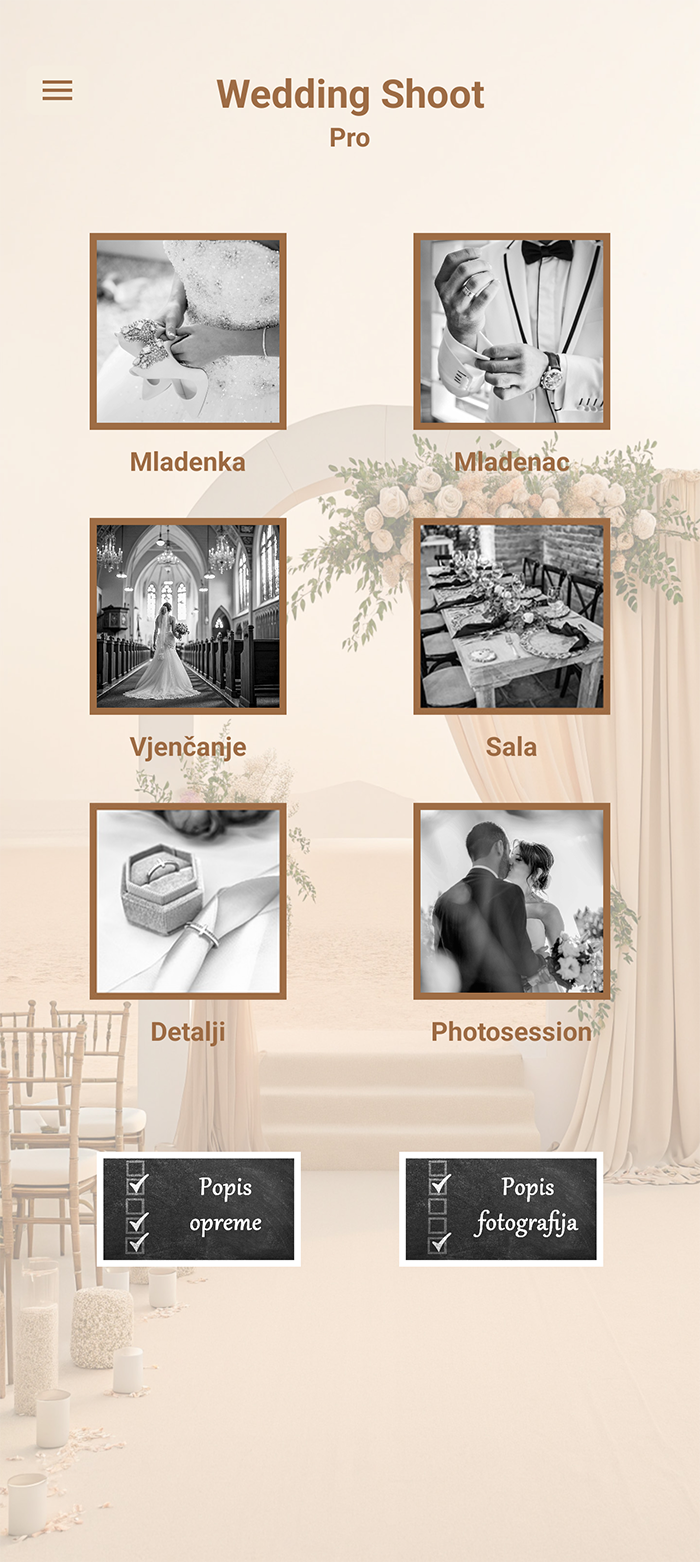
  • On the home page there are 6 galleries by category plus two lists with a checklist.
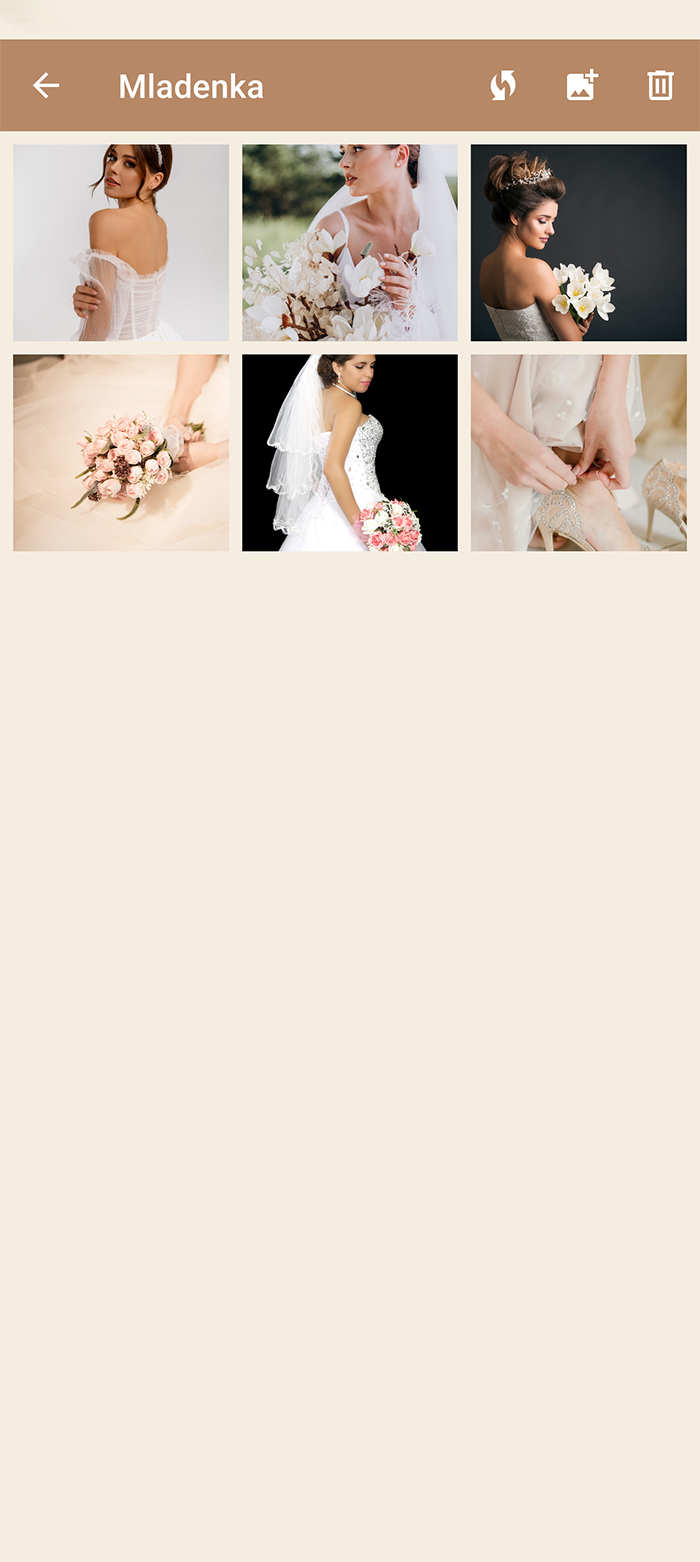
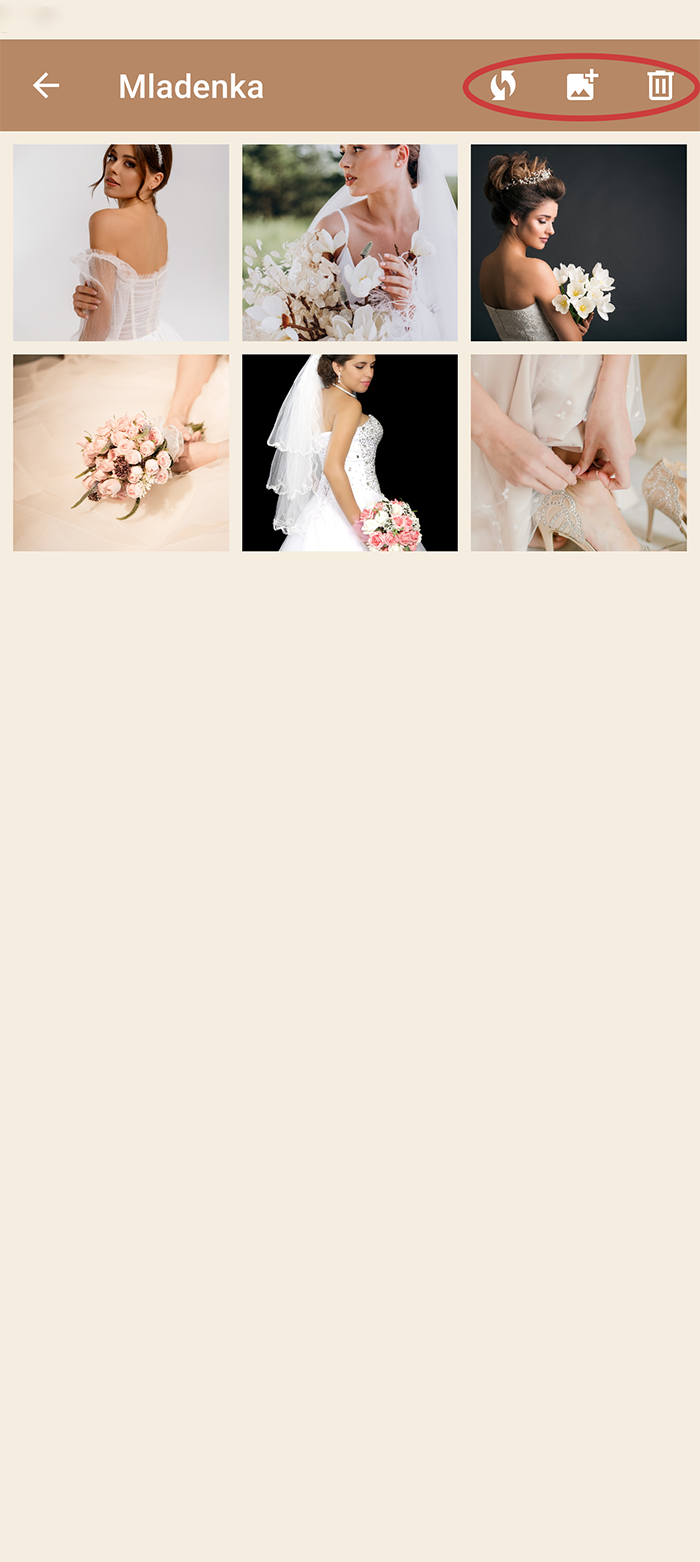
  • In each gallery there are initial 6 photos that you can replace, delete or add new photos.
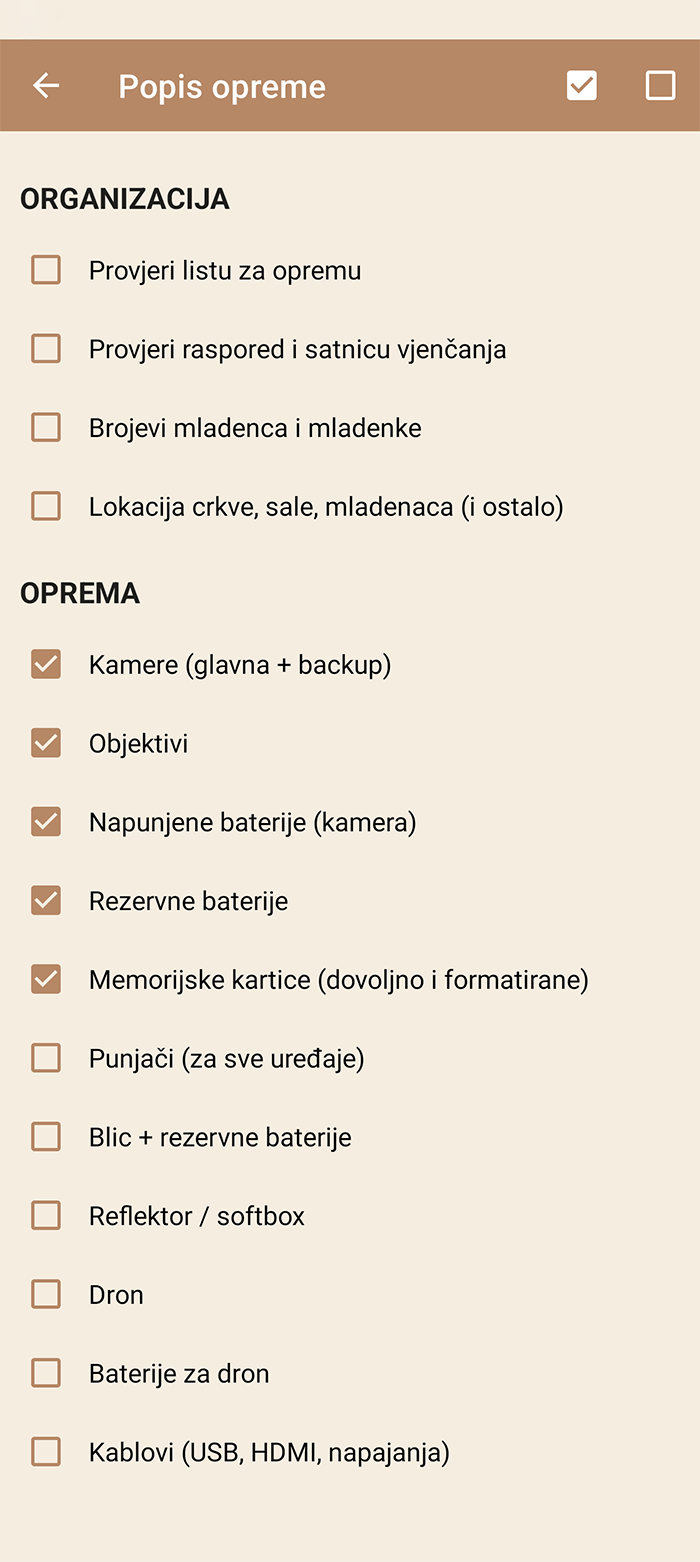
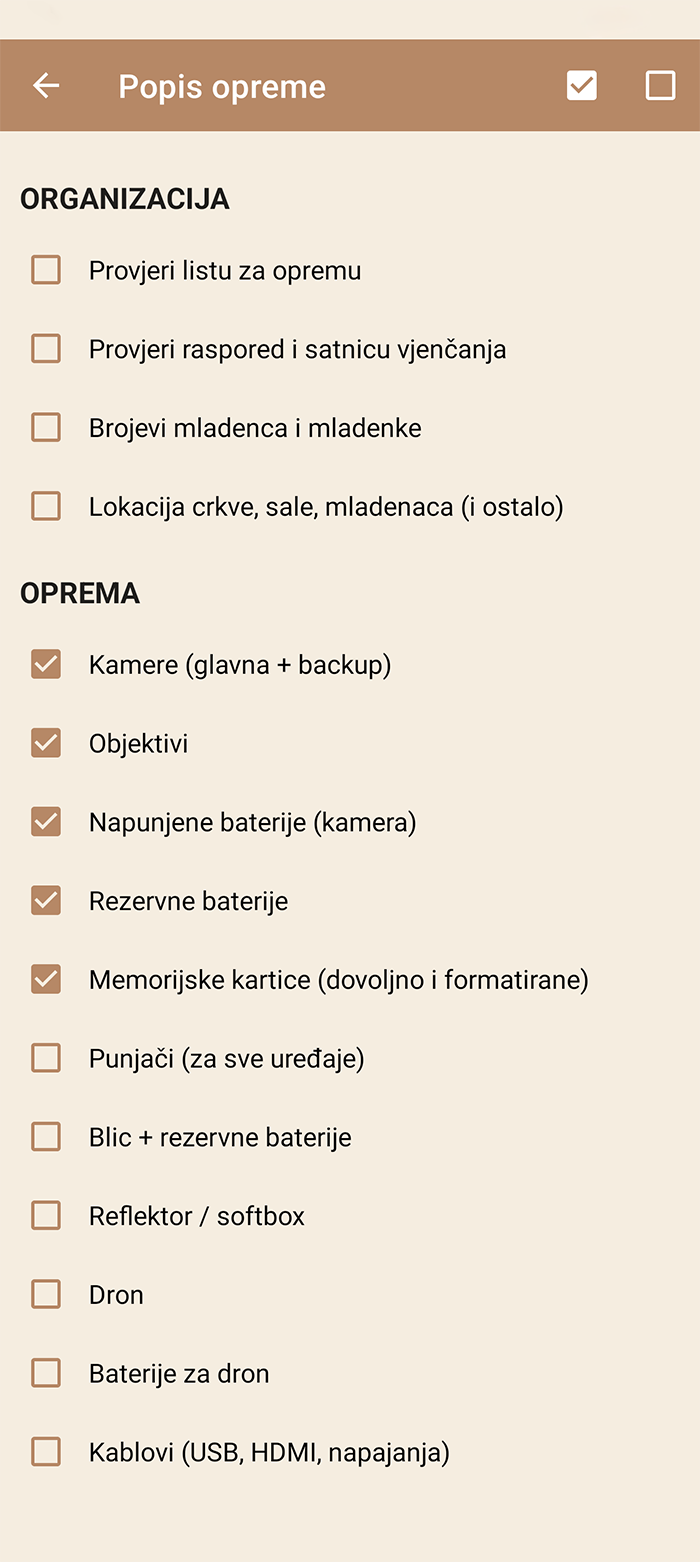
  • 'Equipment List' it serves to quickly check whether you have prepared everything for that day of photography.
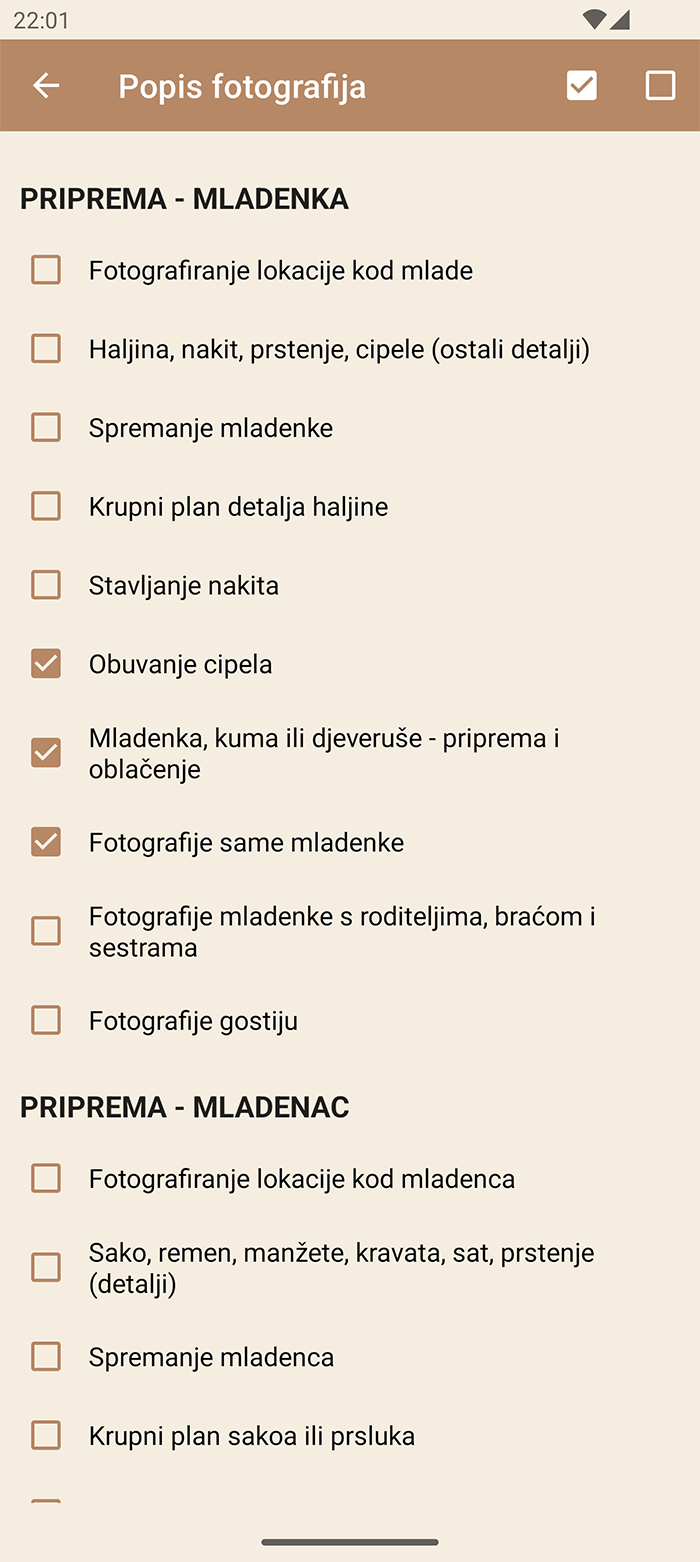
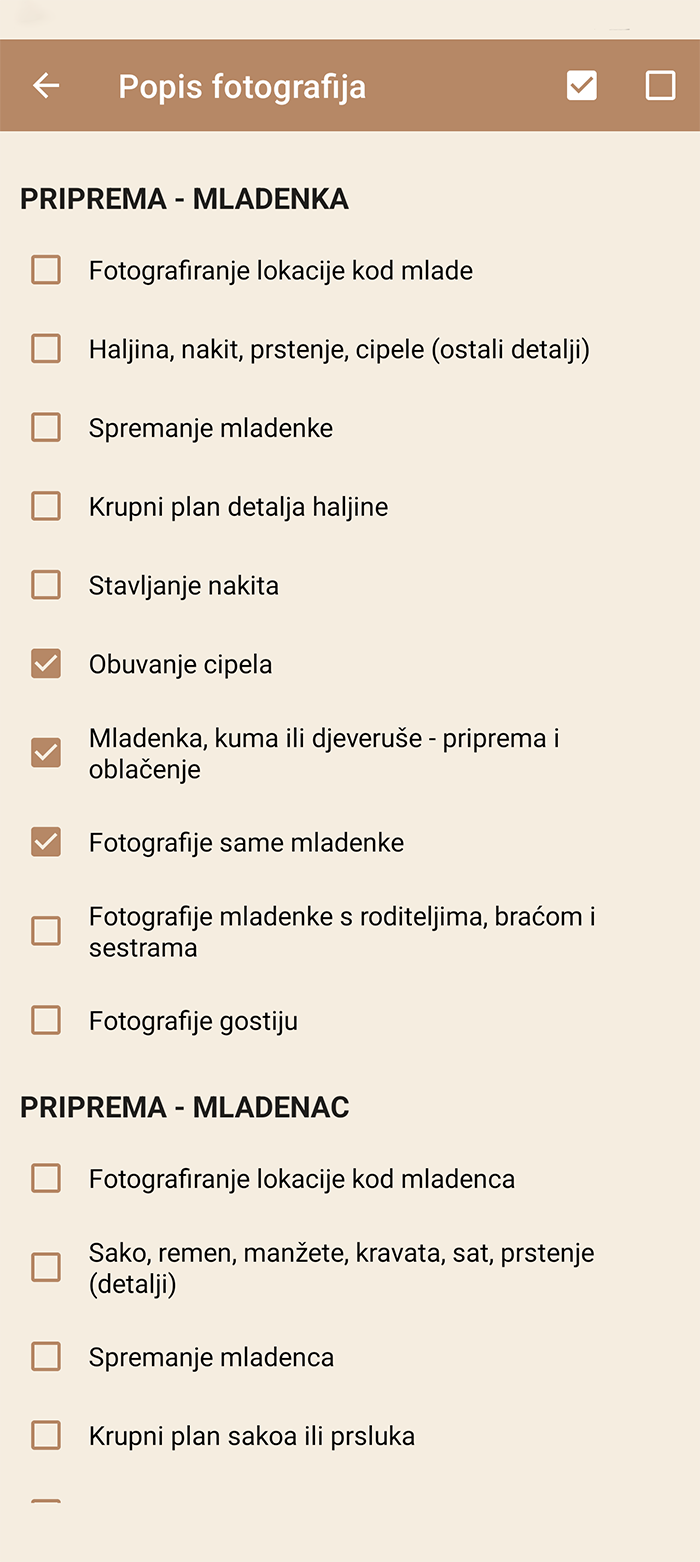
  • 'List of photos'  serves to check whether you have photographed all the basic and important moments that you must not miss.

Gallery

  • Selecting a gallery opens a gallery with photos.
  • By clicking on the icon with two arrows, you return the photos to the initial 6.
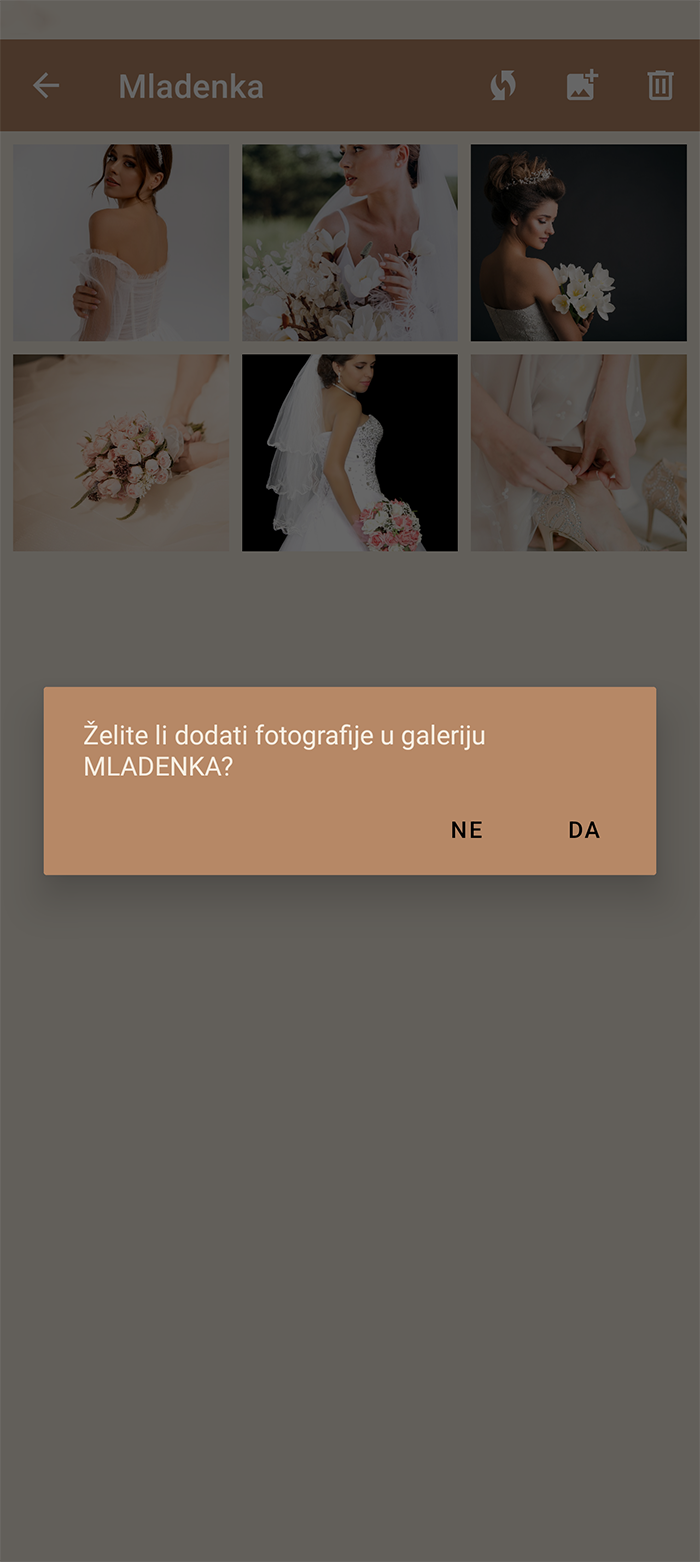
  • You can add one or more photos to the gallery.
  • You can delete all photos from the gallery.
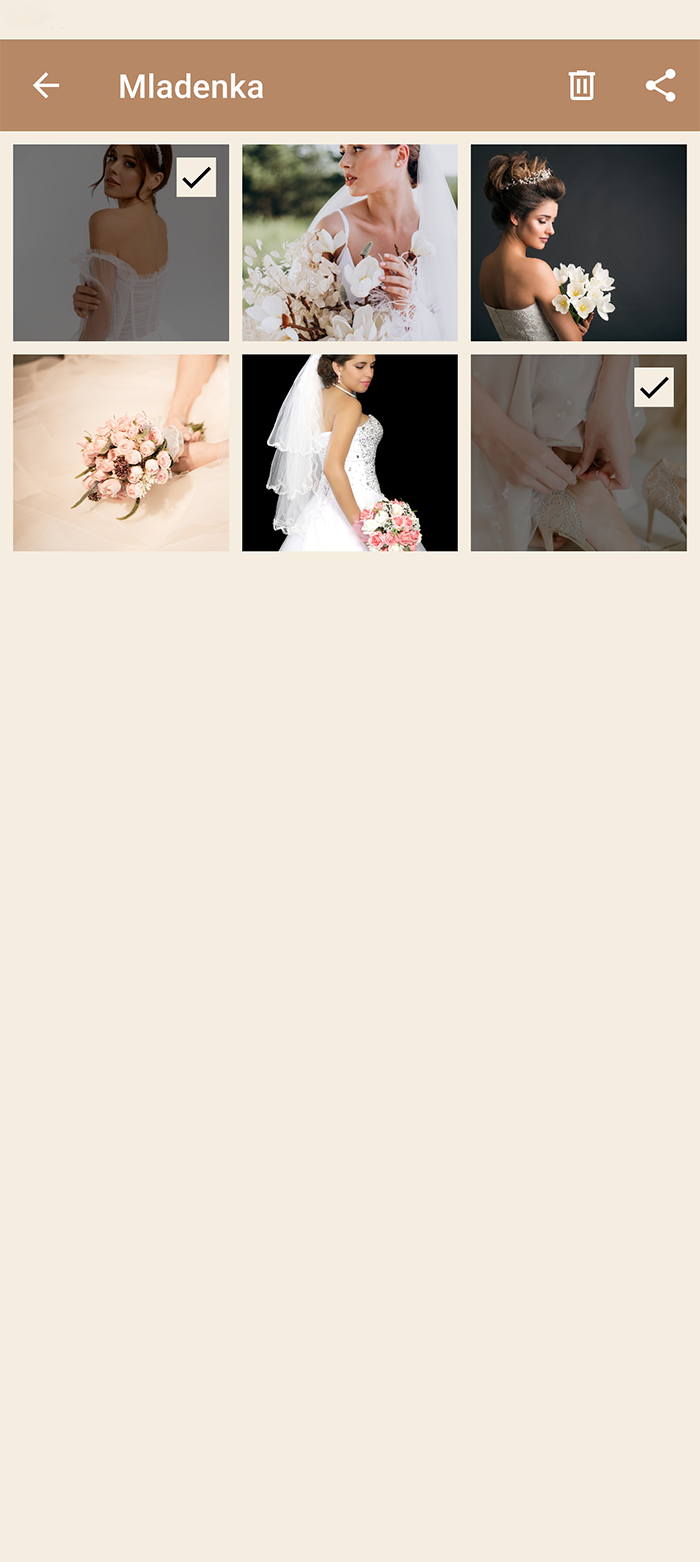
  • By long pressing on a photo, you can mark several photos, when they are marked you can share or delete them.
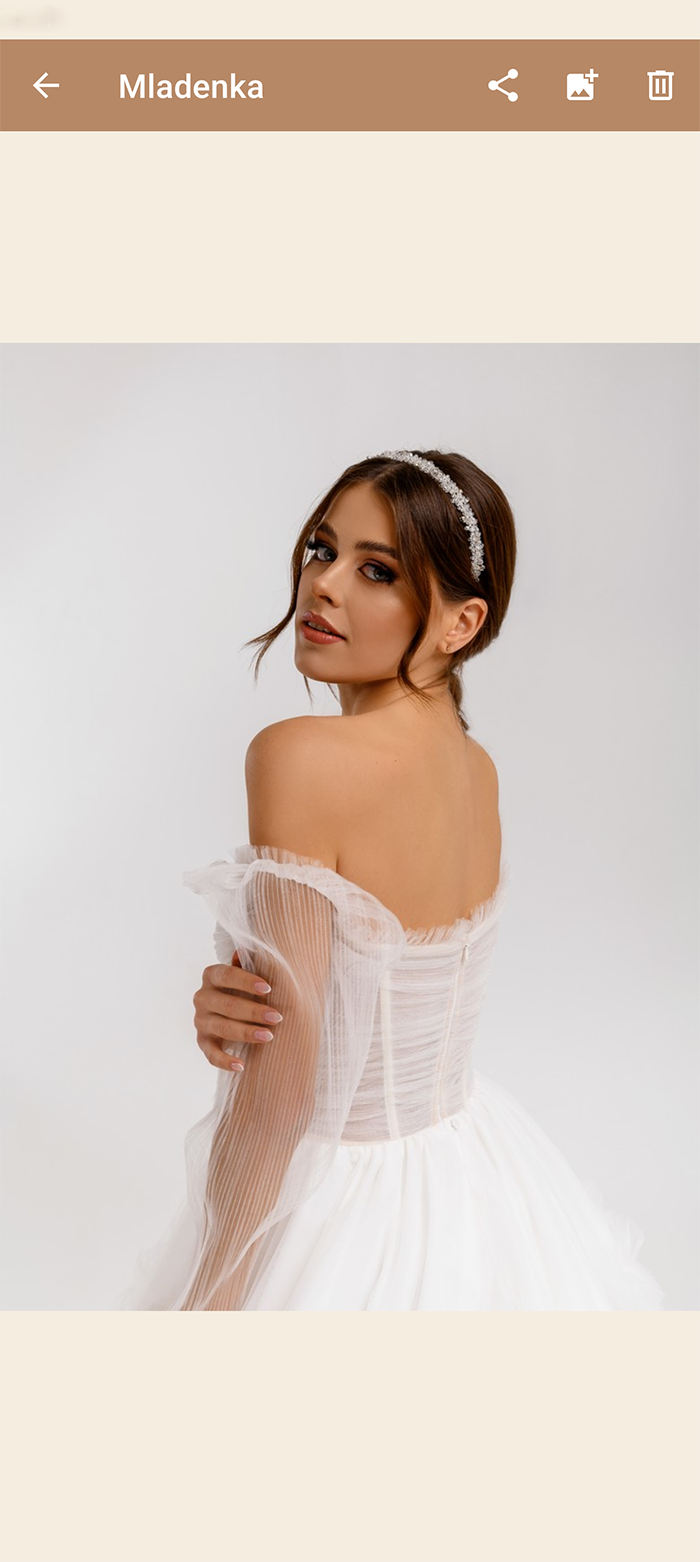
  • Clicking on a photo opens the selected photo.

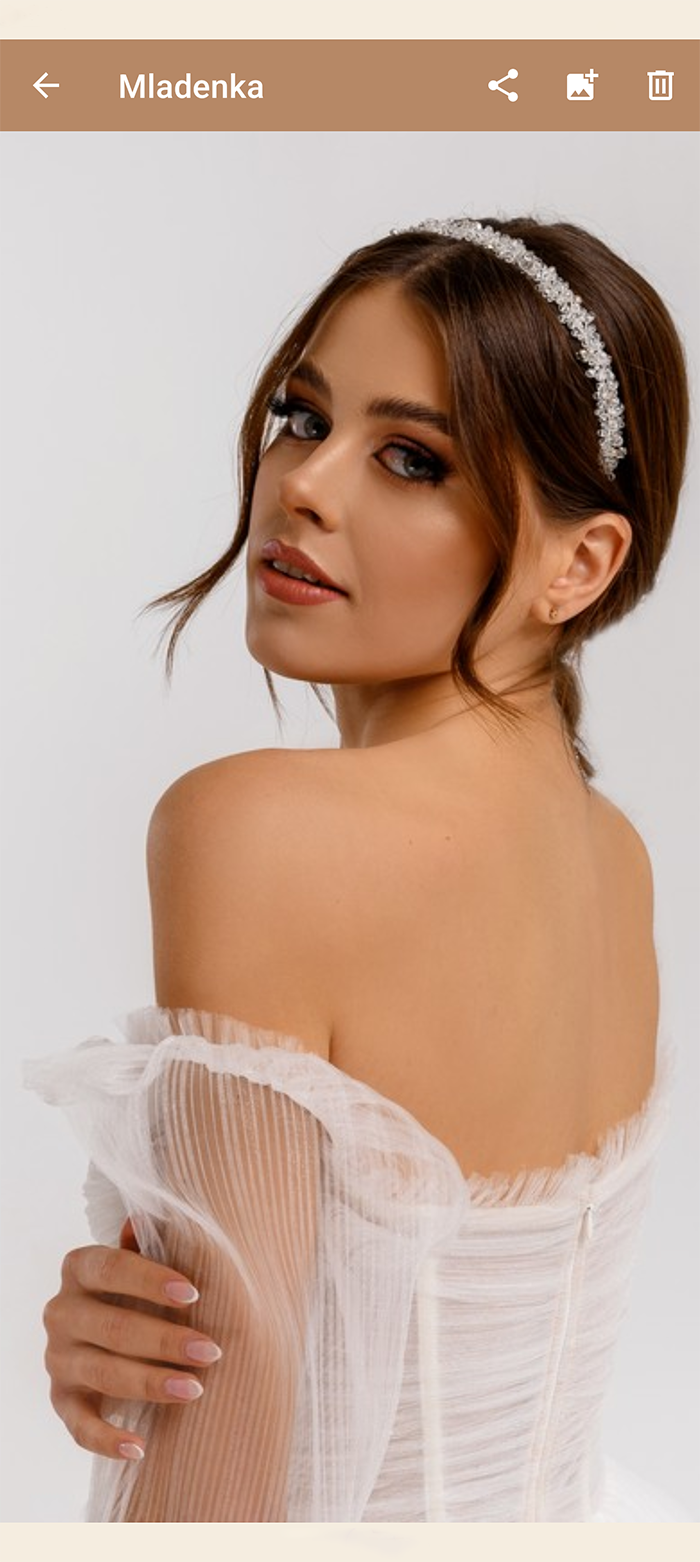
Full view photo

  • When you have opened the full view, you can zoom in on the photo with two fingers or double-click on the photo.
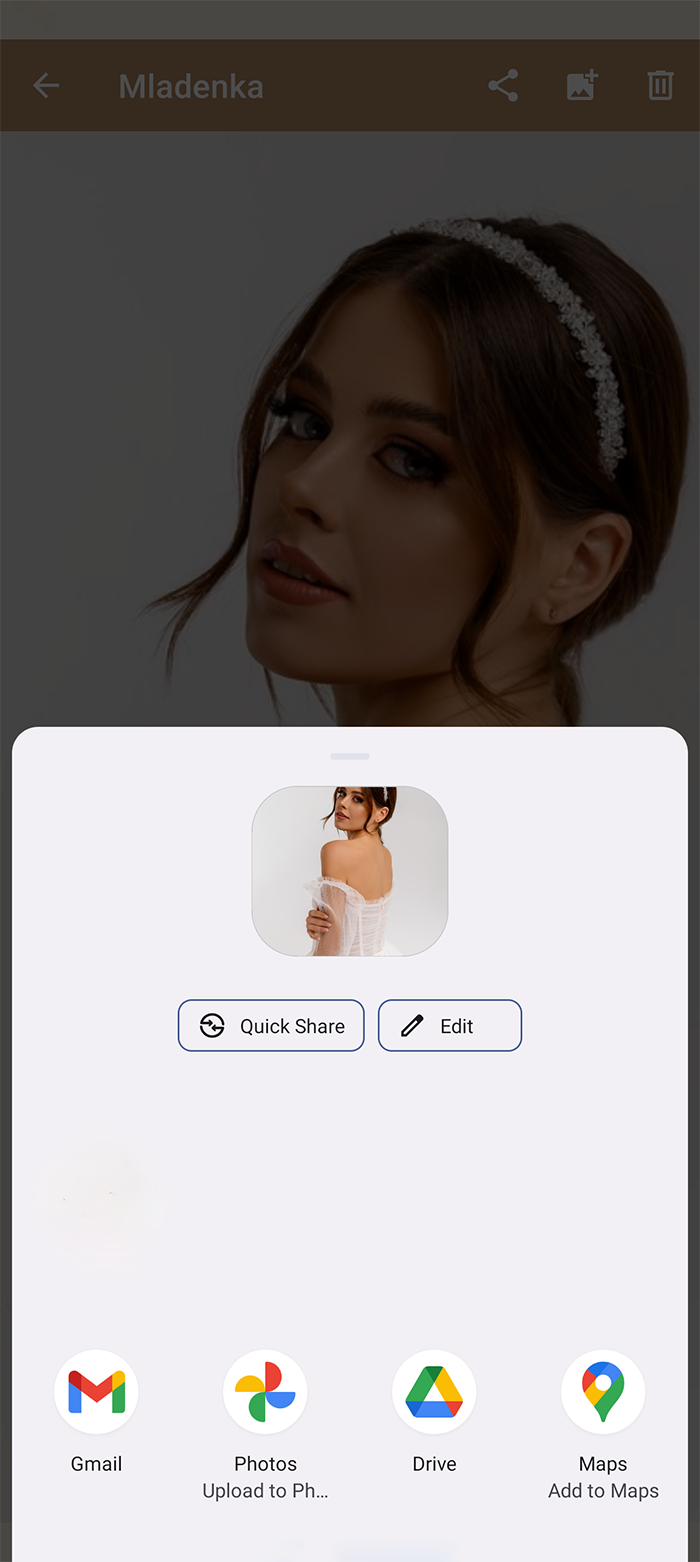
  • By clicking on the icon, you can share the selected photo
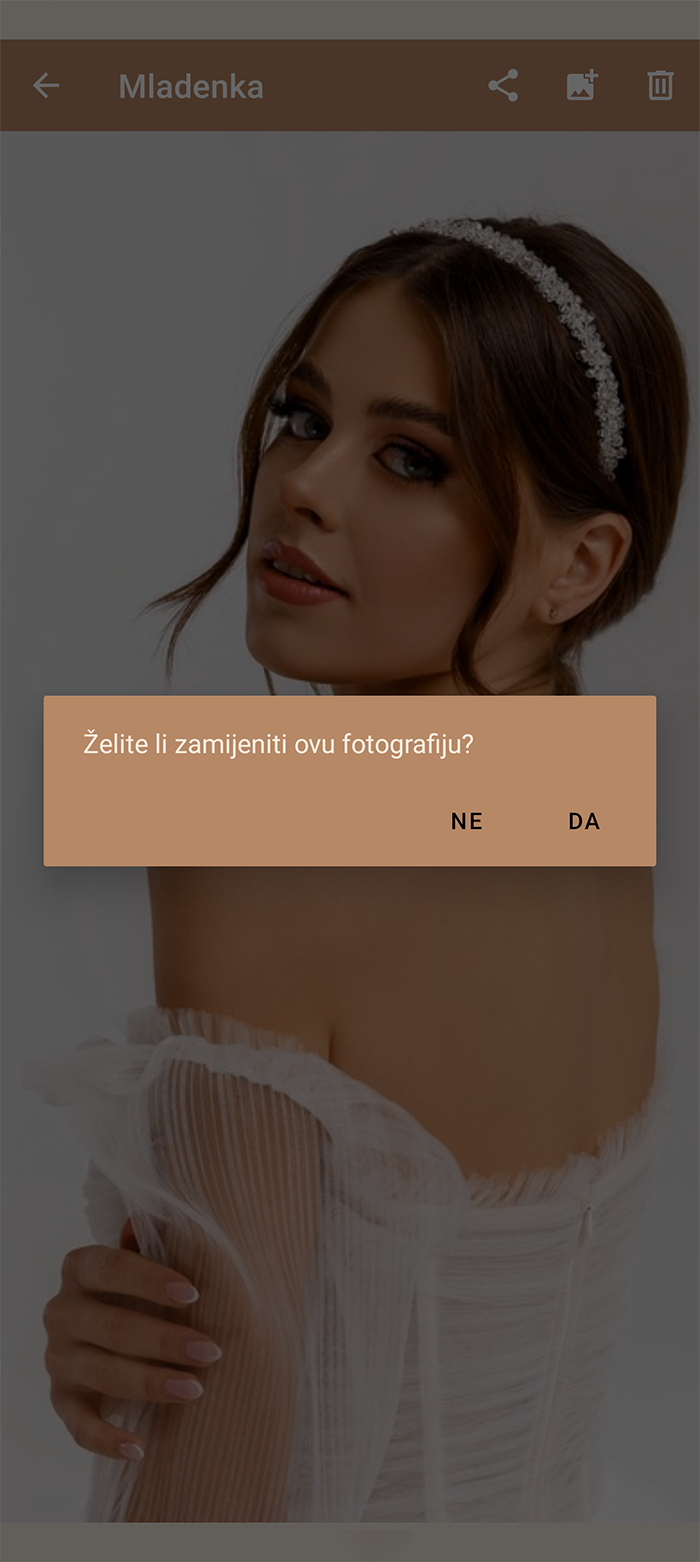
  • By clicking on the icon, you can replace the selected photo
  • You can delete the selected photo by clicking on the icon

List sheets

  • There are two lists with the list.
  • 'Equipment List' in which you can check the boxes if you have checked your equipment.
  • 'List of photos' in which you can check the boxes that you have taken all the photos and whether you forgot to take a photo of something
  • You can check all boxes or uncheck all boxes.

REMARK!

The difference between the free and paid version of the application.

Free version:

  • Contains Google ads.
  • Maximum of 15 photos per gallery.

Paid version:

  • There are no ads.
  • Maximum of 30 photos per gallery.

Share the article